
Find your model
Find the Right Pop Up Socket
Three quick questions: where it’s going, what matters most to you, and anything it has to fit. We’ll rank the pop up sockets that suit you, with the reasons why.
Loading the questions…
At a glance
Every model we sell here
Hole size, the space it needs below the worktop and the thickest worktop it fits, side by side.
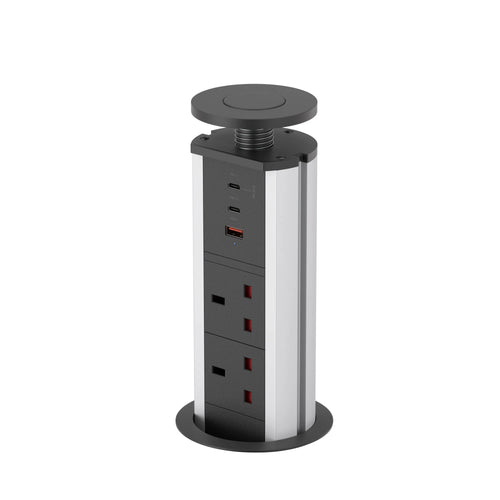
Before you buy
Three things to check
The space below
Measure down from the top of the worktop to the first drawer, shelf or pipe. That’s the clear depth the pop-up needs.
The hole, cut last
Hole sizes differ by model. Cut the hole last, to the size in the manual, once the pop-up has arrived.
Power in the cabinet
Our pop up sockets plug into a socket inside the unit, so plan one within reach of the lead.
Questions
Choosing a pop up socket: common questions
Which pop up socket is best for a kitchen island?
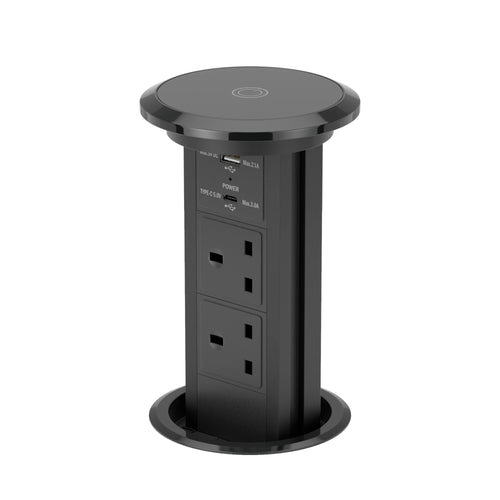
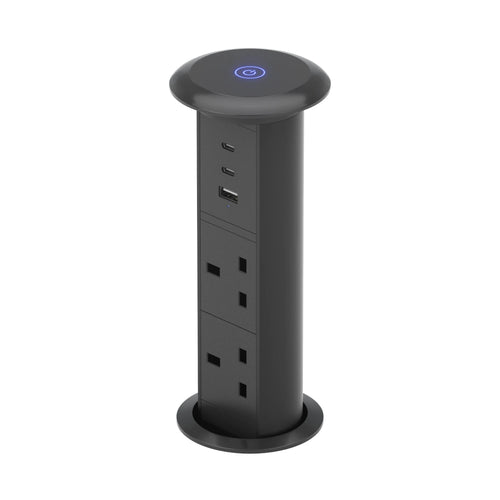
For most islands, the V3C: motorised, with two UK sockets, USB-A, USB-C and wireless charging in a 95 mm hole. For laptops, the V16 with 65W USB-C. For the best value, the V1.
What size hole do I need?
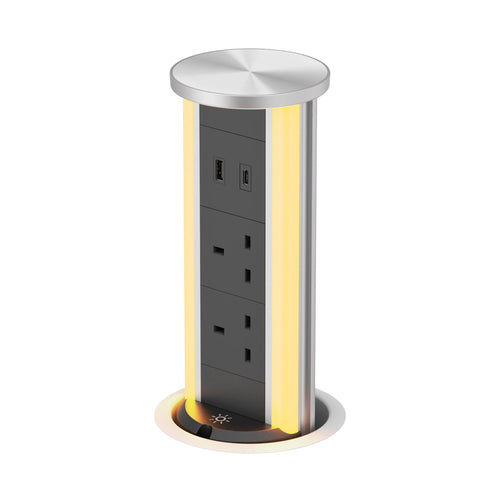
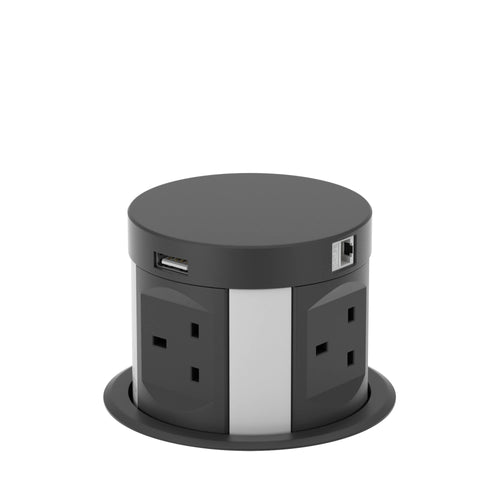
It depends on the model: 65 mm for the V3L, 90 mm for the V1, 95 mm for the V3C, 102 mm for the V16 and 120 mm for the V14B.
How thick can my worktop be?
The V16 fits worktops up to 50 mm, the V3C up to 60 mm, the V3L up to 80 mm and the V1 up to 95 mm. A thicker worktop leaves too little thread for the locking ring.
Which one charges a laptop?
The V16 has USB-C up to 65W, and the V1’s USB-C reaches 67W when it’s the only port in use. The V3C’s USB-C is 15W, which suits phones.
How much space do I need under the worktop?
Measured down from the top surface: 180 mm for the V14B, 340 mm for the V1, 350 mm for the V16, 422 mm for the V3C and 580 mm for the V3L.
Do you sell Point Pods in the UK?
No, Point Pods aren’t sold in the UK. Every model on this page is one we sell for UK worktops.
Still not sure which one?
Email us a photo of your worktop and what you’d like to plug in, and we’ll help you choose.
Still deciding? Ask us
Send a photo of your worktop and what you’d like to plug in. We’ll reply with the model that fits.